- Home
- Case studies
- Training material
A minutes template and summary prompt: paste a transcript, get it organised by speaker
We made a Korean meeting-minutes template in Word and a prompt that summarises a transcript speaker by speaker. The full prompt is published here.
- AreaTraining material
- Period30 August 2026
- ToolsChatGPT, Codex, Word
- StatusComplete
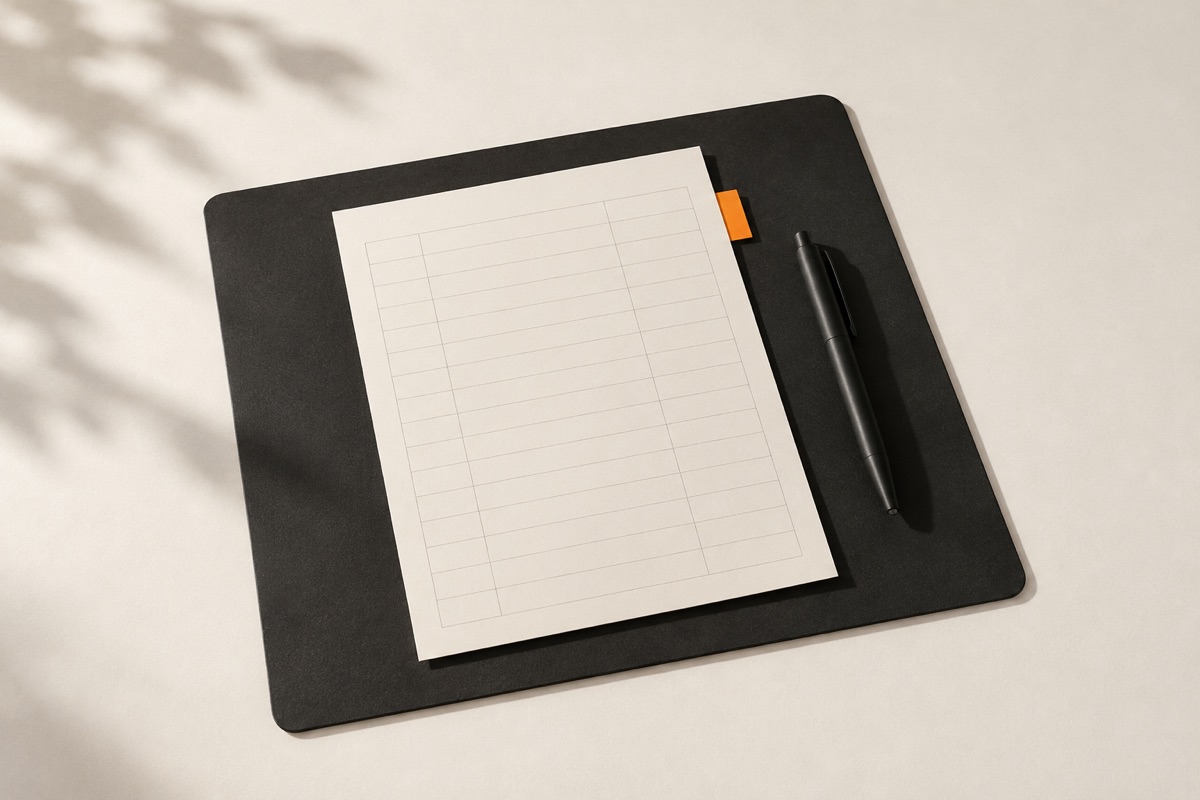
Without a fixed format, minutes differ with every person who writes them, and when the job is given to AI they differ every time it is asked. So we made a template and an instruction as a pair: a three-page Word template a person fills in, and a prompt that organises a pasted transcript into the same structure.
The template file we actually made. The prompt below is the one in the last section of that file. The original is in Korean; this page gives an English translation. The minutes desk of our work agent takes a template file like this as input.
What the template contains
| No. | Section | What goes in it |
|---|---|---|
| Header | Meeting name, author, date and time, place and format, attendees, absentees and cc, purpose, document status | |
| 01 | Agenda | Item, goal and discussion points, expected time |
| 02 | Summary by attendee | Speaker, key opinion, grounds and issues, requests and proposals |
| 03 | Discussion and decisions | Content, grounds and conditions for the decision, related agenda item |
| 04 | Action items | Owner, a specific and checkable task, due date, status |
| 05 | Open items and next meeting | Item, owner and preparation, target date |
| 06 | Per-speaker summary prompt | The instruction below |
The document status field takes one of "draft, in review, final". It reduces confusion about which stage a circulating document is at. Above the speaker summary table we added a note: "merge repeated points by the same speaker, and record the checkable gist over interpretation."
The full prompt
Fill in the bracketed parts and paste the transcript or notes at the very end.
You are an objective and accurate assistant for writing meeting minutes.
Analyse the meeting information and the transcript/notes below
and write a summary of what each speaker said.

[Meeting information]
- Meeting name: [enter]
- Date and time: [enter]
- Attendees: [enter]
- Purpose: [enter]

[Principles]
1. Where a speaker can be identified, group the content by speaker.
2. Where the same speaker repeats a point or says the same thing
   in other words, remove the duplication and merge it into one.
3. For each speaker, separate 'main claim', 'grounds', 'concerns',
   'proposals/requests' and 'decisions or follow-up'.
4. Preserve, as far as possible, the facts, figures, conditions,
   dates, owners and dependencies stated in the remarks.
5. Mark agreement, disagreement, deferral and conditional agreement clearly.
6. Reduce emotional wording and filler, but do not distort the intent
   of a remark or shorten it excessively.
7. Do not guess at content that is unclear or whose speaker cannot
   be identified; mark it 'to be confirmed' or 'speaker unknown'.
8. Do not create content, intentions, causes or conclusions
   that are not in the transcript.
9. Minimise personal or sensitive information unless it is
   strictly necessary for the purpose of the meeting.
10. Write the result in Korean, in a concise and neutral business style.

[Output format]
### 1. Key summary
- Purpose:
- Main discussion:
- Final decision:

### 2. Summary by speaker
#### [Speaker name, or speaker unknown]
- Main claim:
- Grounds:
- Concerns:
- Proposals/requests:
- Decisions or follow-up:
- To be confirmed:

### 3. Shared issues and disagreements
- Issue:
- Points agreed:
- Disagreements or deferred points:

### 4. Decisions
| No. | Decision | Grounds/conditions | People involved |

### 5. Action Items
| No. | Owner | Task | Due | Status |

### 6. Open items and agenda for the next meeting
- Open items:
- Points needing further confirmation:
- Agenda for the next meeting:

[Transcript or notes]
Paste the source text here.
Why the prompt looks like this
Of the ten principles, the seventh and eighth matter most.
- It makes the model say when it does not know. A transcript always has stretches where it is unclear who spoke. Without this instruction, AI guesses the speaker from context and fills it in. When minutes name the wrong speaker, responsibility lands on the wrong person.
- It stops the model inventing conclusions. Sometimes a meeting ends without a conclusion and AI writes in a plausible decision anyway. Minutes are a record of what happened, not a tidy version of what should have happened.
The other principles point the same way: keep figures and conditions, do not erase disagreement or conditional agreement, and shorten without changing the intent. The separate "to be confirmed" field in the output exists so that uncertain content does not get mixed into the body.
How to use it
- Fill in the brackets in the meeting information. Listing attendee names improves how well speakers are told apart.
- Paste the transcript or notes at the very end.
- Look first at the "to be confirmed" and "speaker unknown" items in the result. Those are for a person to fill in.
- Check decisions and action items with the attendees. Owners and due dates are especially easy to get wrong.
- Once checked, move it into the template and change the document status to "final".
Limits
- The prompt only shapes the summary. If the transcript itself is inaccurate, so is the result.
- A long meeting may be hard to feed in at once. It works better to split it by agenda item and combine the results.
- Whether sensitive meeting content may be put into an external AI service is something to check against company policy first.
- We have not separately measured the accuracy of minutes produced with this prompt.
What we take from this
This is the kind of material we want training to leave behind: not a one-off trick, but a template and an instruction that can be dropped straight into the work and used by a whole team to the same standard. How this template serves as input to an agent is covered in the work agent screen case study.